Add your stems
Up to 32 stems, or one song to master. Each is measured on your computer.
Lead vocal.wav-28.4 LUFS
Kick.wav-19.2 LUFS
Bass.wav-22.7 LUFS
Drop up to 32 stems or one finished song. Stemix.ai sets levels, EQ and loudness from what it measures, lets you edit and direct every change, and uploads nothing. On Windows and Mac.
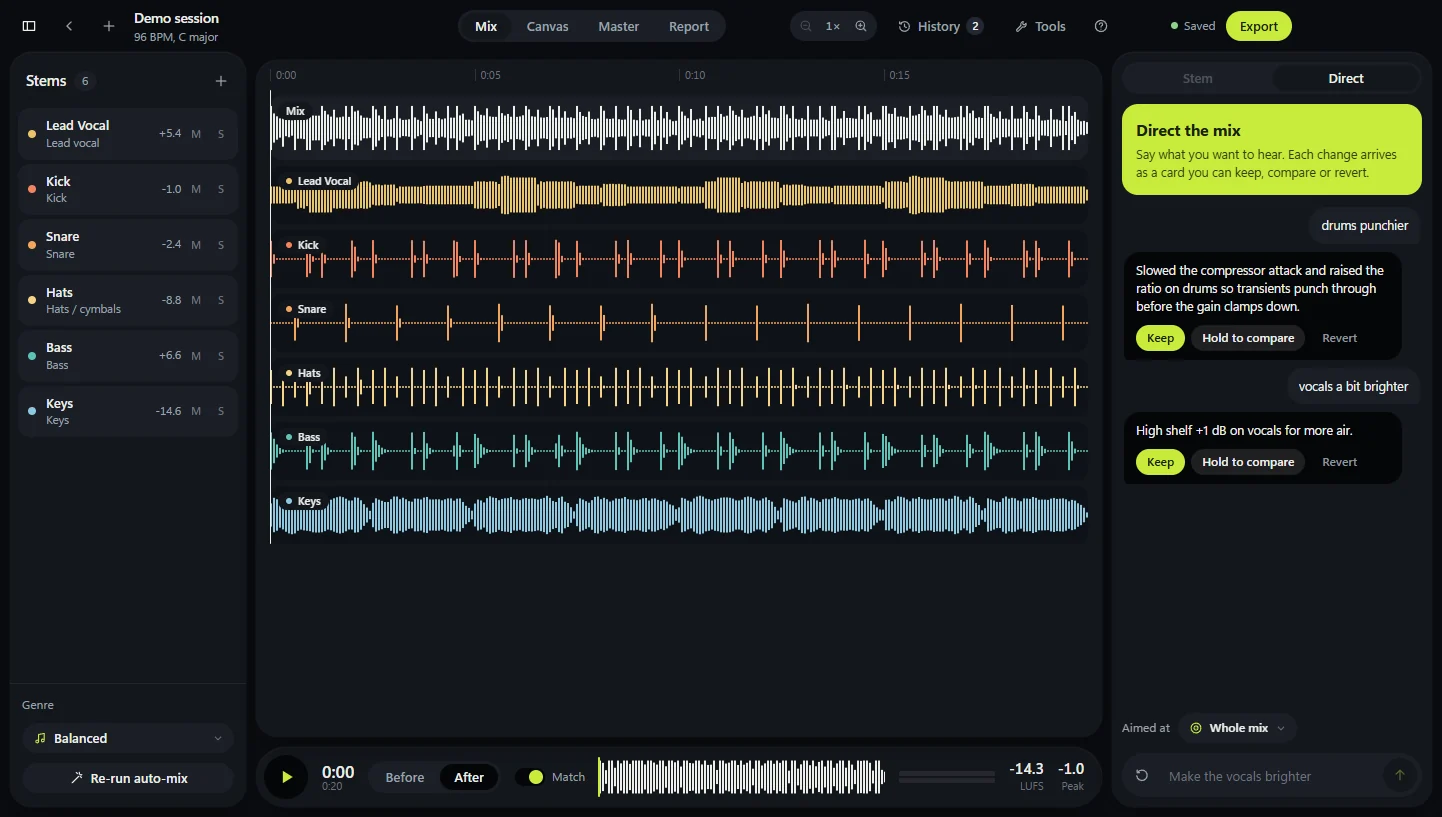
The whole job runs in one window, in this order. Stop at any step, change something, and hear it straight away.
Up to 32 stems, or one song to master. Each is measured on your computer.
Level, pan, EQ and compression are set per stem, then mastered to -14 LUFS.
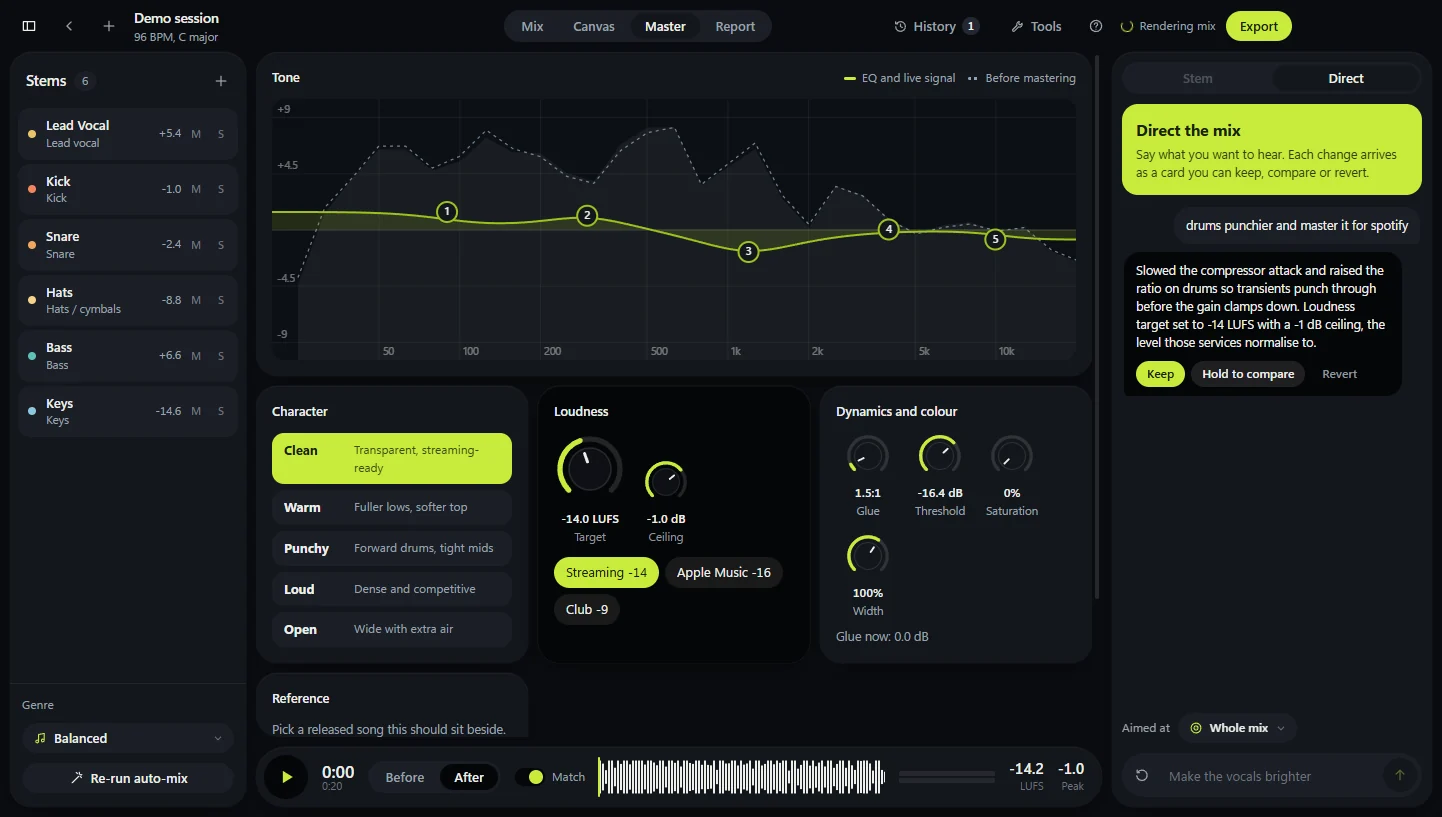
Type what you want to hear. Keep the change, compare it, or revert it.
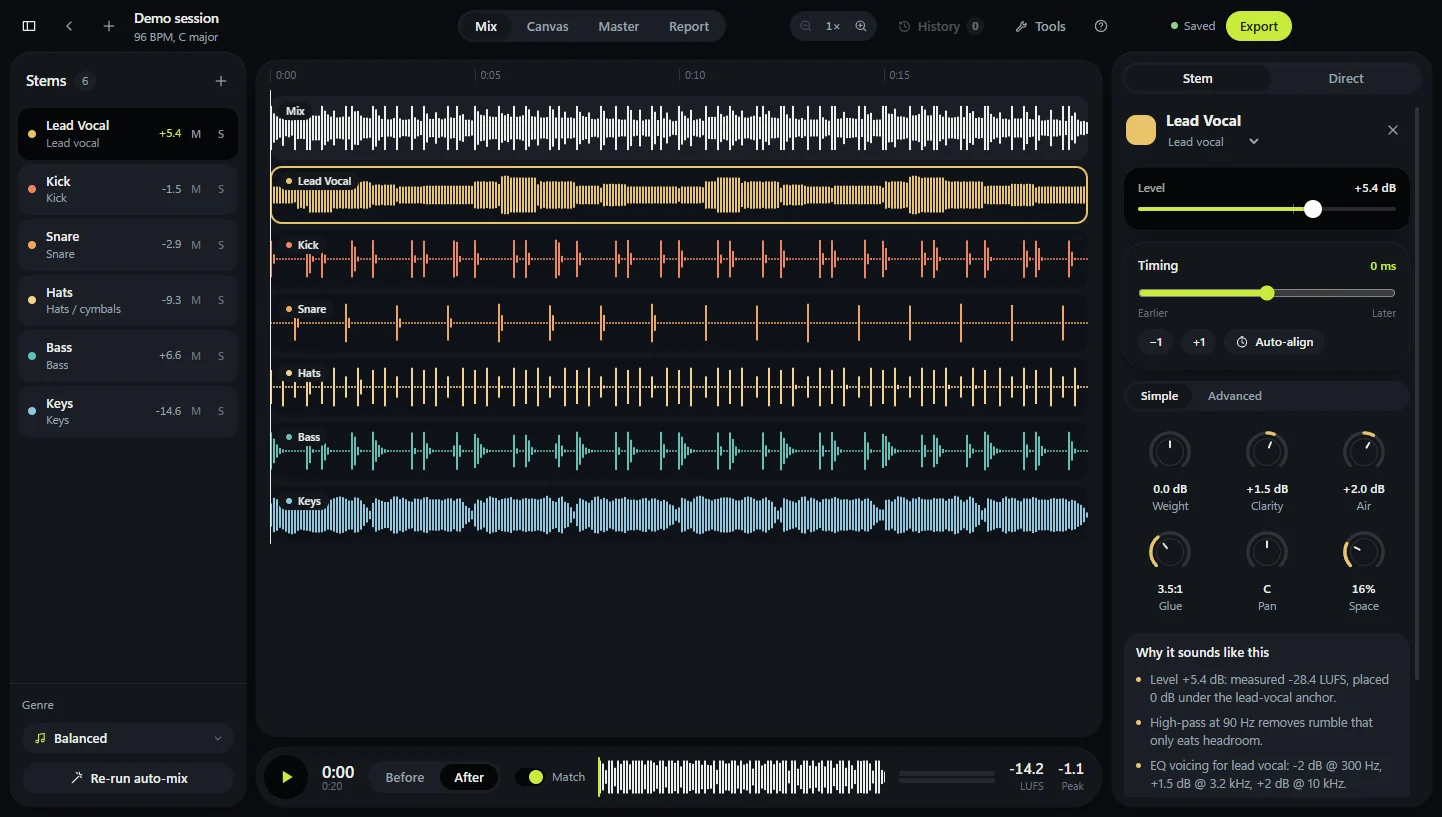
Pick a stem to open it in the inspector: its timing, six knobs in Simple view, the full EQ and compressor in Advanced, and the measurement behind every move.
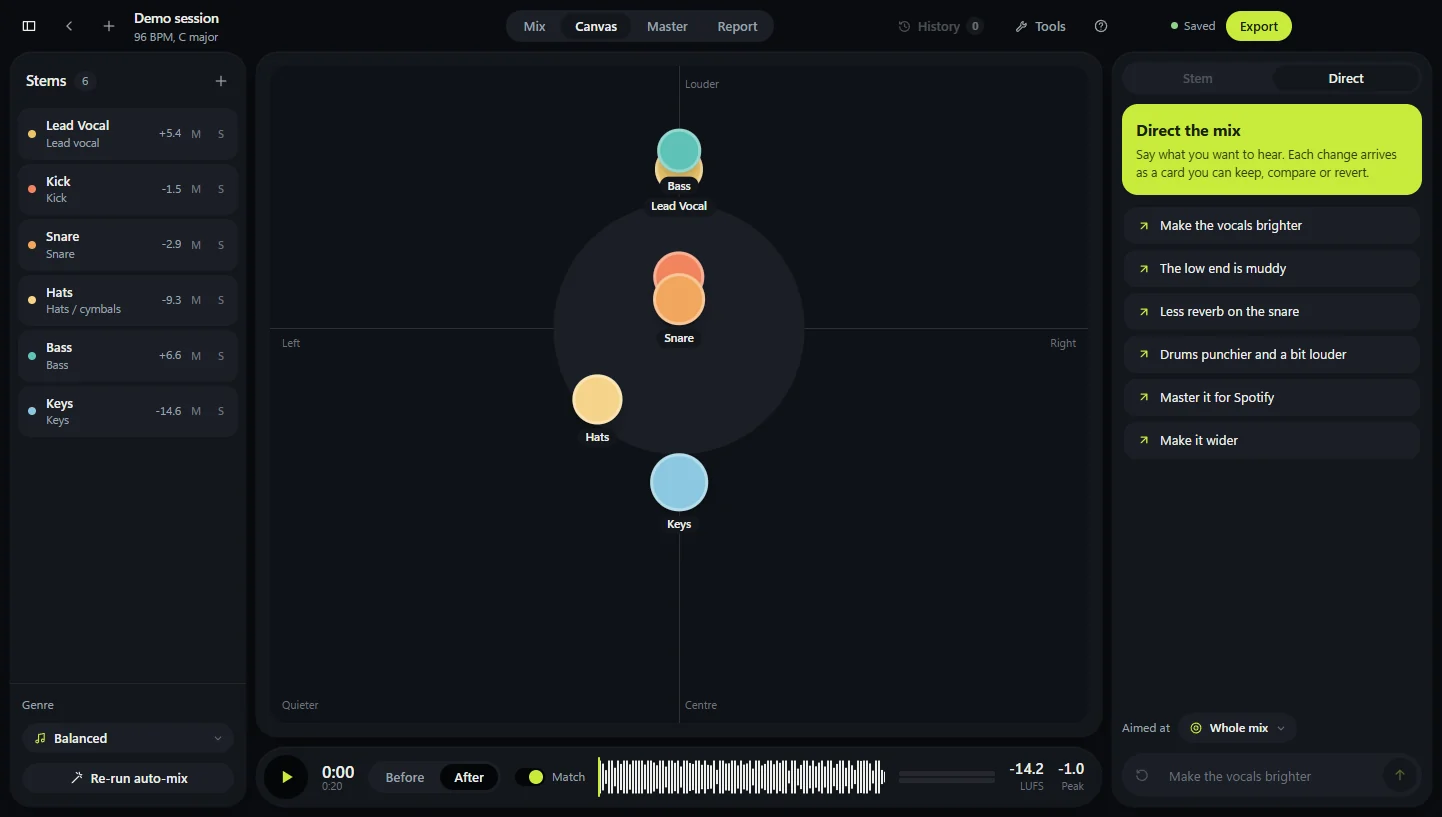
Canvas puts each stem where you hear it: left to right is pan, up and down is level.
Drag a stem and the mix moves while it plays. Arrow keys nudge it, and the inspector shows the exact values.
Decoding, analysis, mixing and every export happen on the processor. No graphics card is needed, and the window stops drawing while playback is paused.
32
stems in one session
0
files sent to a server
Type what you want to hear for the whole mix, a group or one stem. Keep each change, compare it, or revert it.
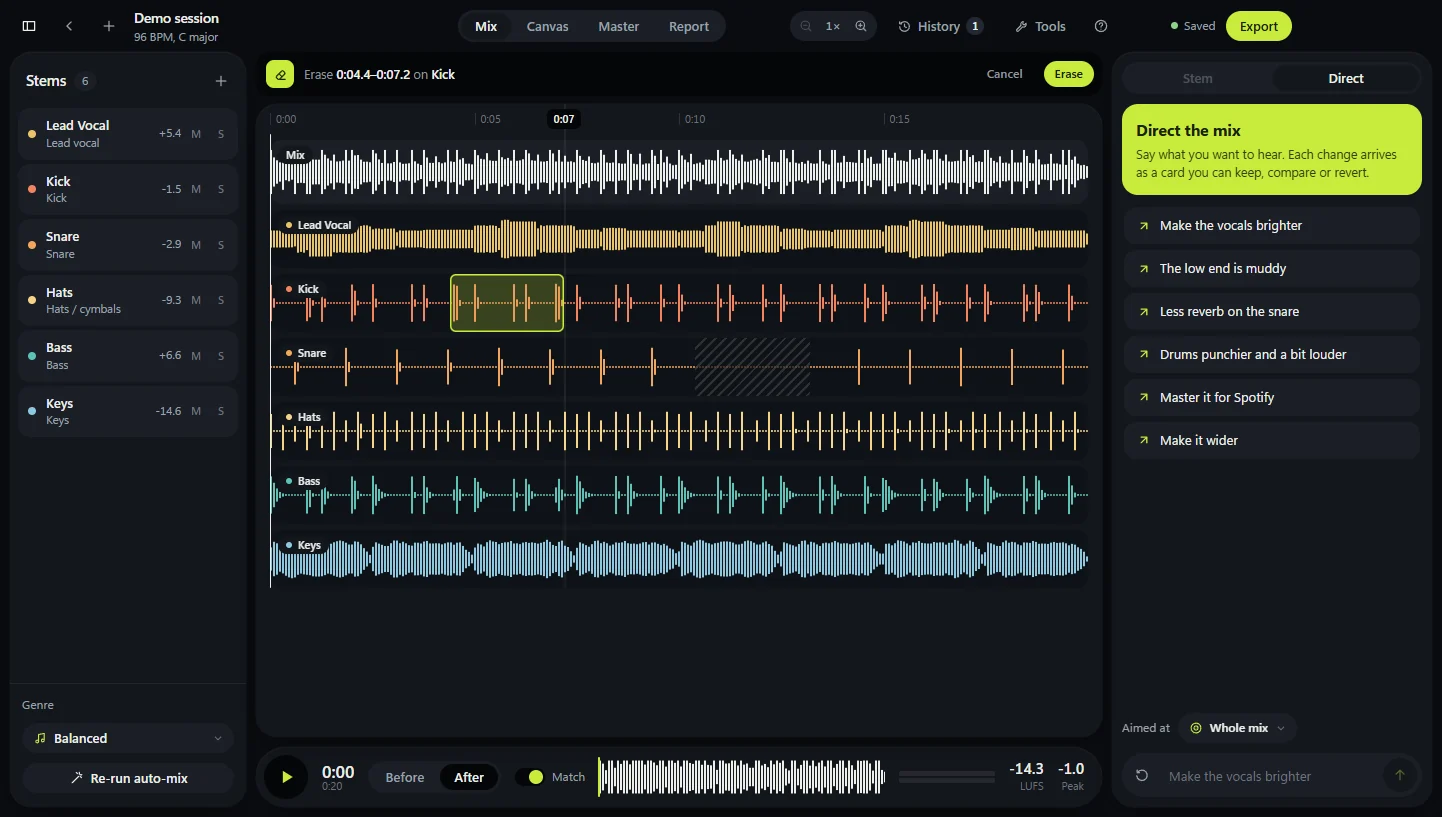
Silence part of a stem, cut a stretch from the song, or line a late stem up by its hits. The original audio stays untouched.
Drag the EQ over the live signal, pick a character, and set -14 for streaming or -9 for clubs.
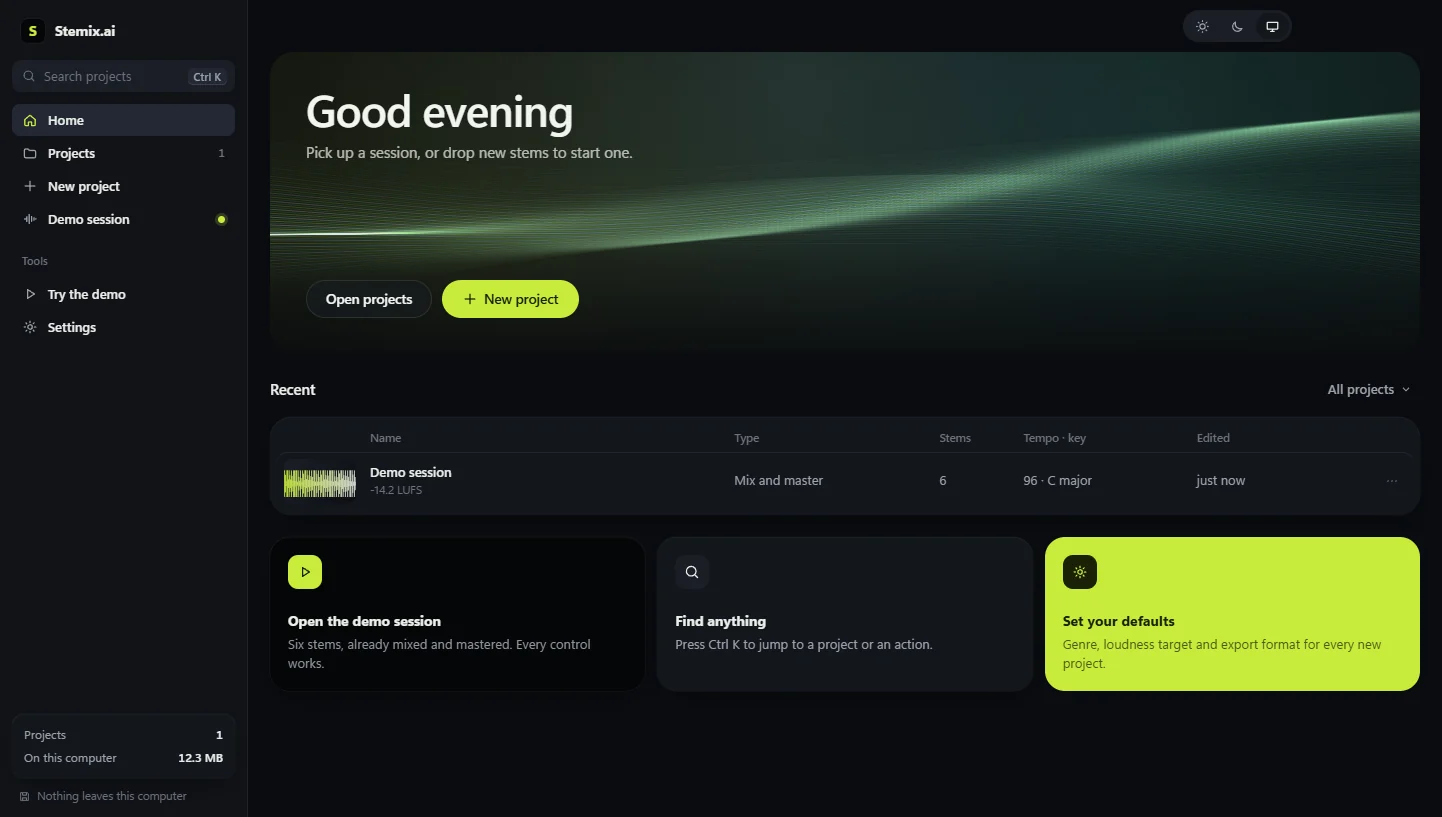
Every session is saved with its waveform. Ctrl K finds any project, and Recently deleted keeps them for 30 days.
The short answers. The demo session in the studio lets you check each one.
No. Everything runs on your computer, and sessions are saved on it.
Windows 10 or 11, or a Mac. A four-minute stem takes about 85 MB of memory, and no graphics card is used.
WAV, MP3, FLAC, M4A, AAC and OGG, up to 32 stems.
Yes. Timing moves a stem by the millisecond or lines it up by its hits, the Eraser silences part of a stem, and Cut removes a stretch from the song.
No. It reads mix words like muddy, harsh and punchier on your computer, and says what it changed.
Cloud services render on their servers and charge per download. Here renders run on your machine, so exports cost nothing.
The same studio as a desktop app: its own window, light and dark themes, and projects saved on your computer.